

This walk-through takes you from an empty account to a downloaded Export package in your web browser. Each part links to a full article if you want more detail.
Using the phone app? See Your first catalog on your phone.
Before you start
- Log in on lotjitsu.com and click Manage Catalogs. See Log in on lotjitsu.com.
- Have a few photos of an item saved on your computer.
1. Create the catalog
- On Catalogs, click Add Catalog.
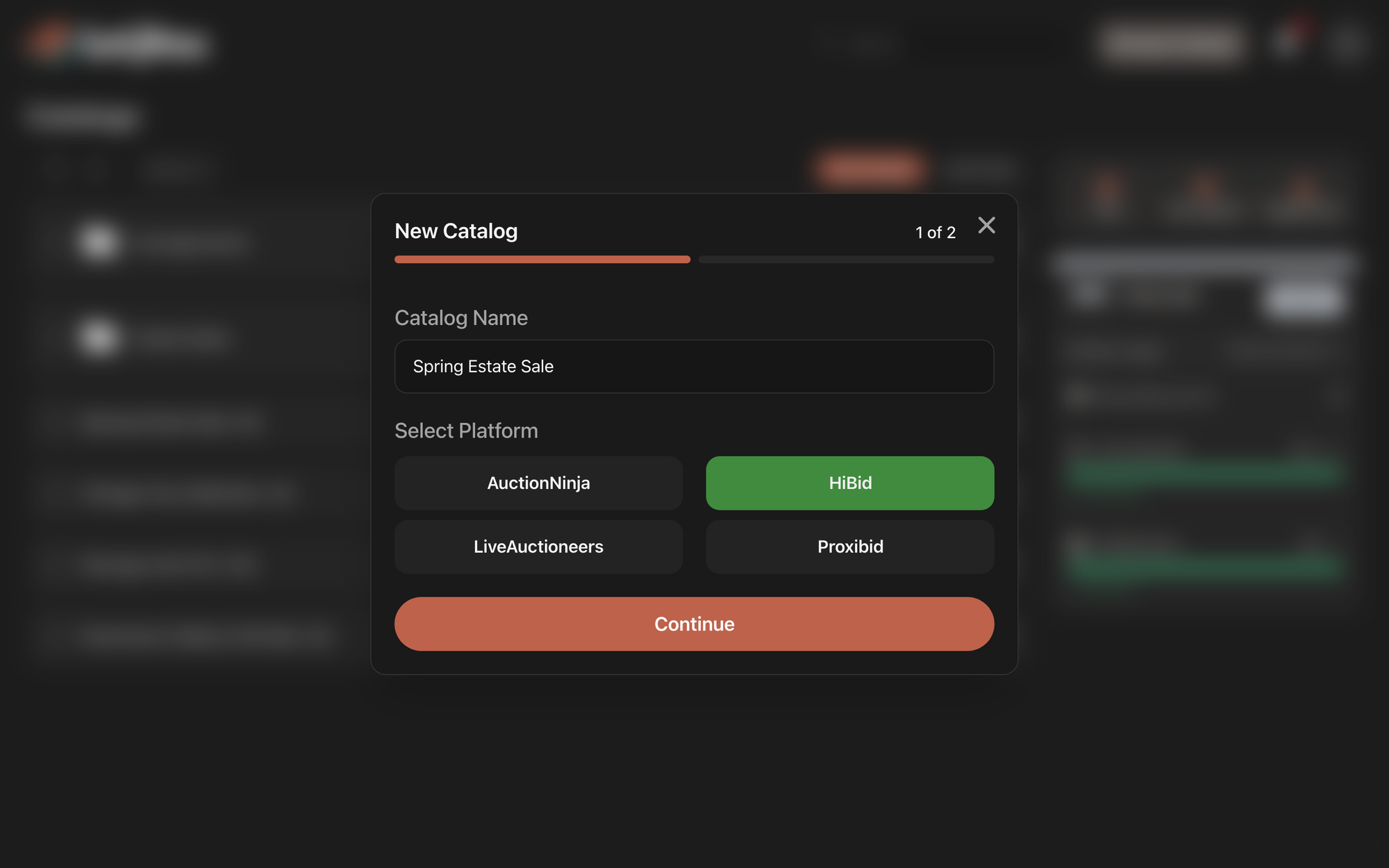
- Type a Catalog Name, choose your platform under Select Platform, and click Continue.
- Under Include Fields, choose the Fields each lot should collect. Fields with Auto turned on are written by LotJitsu from your photos.
- Choose an Automated Writing Style if you want one.
- Click Create catalog. Your new catalog opens.
More: Create a catalog on your computer.
2. Add your first lot
- Click Add First Lot.
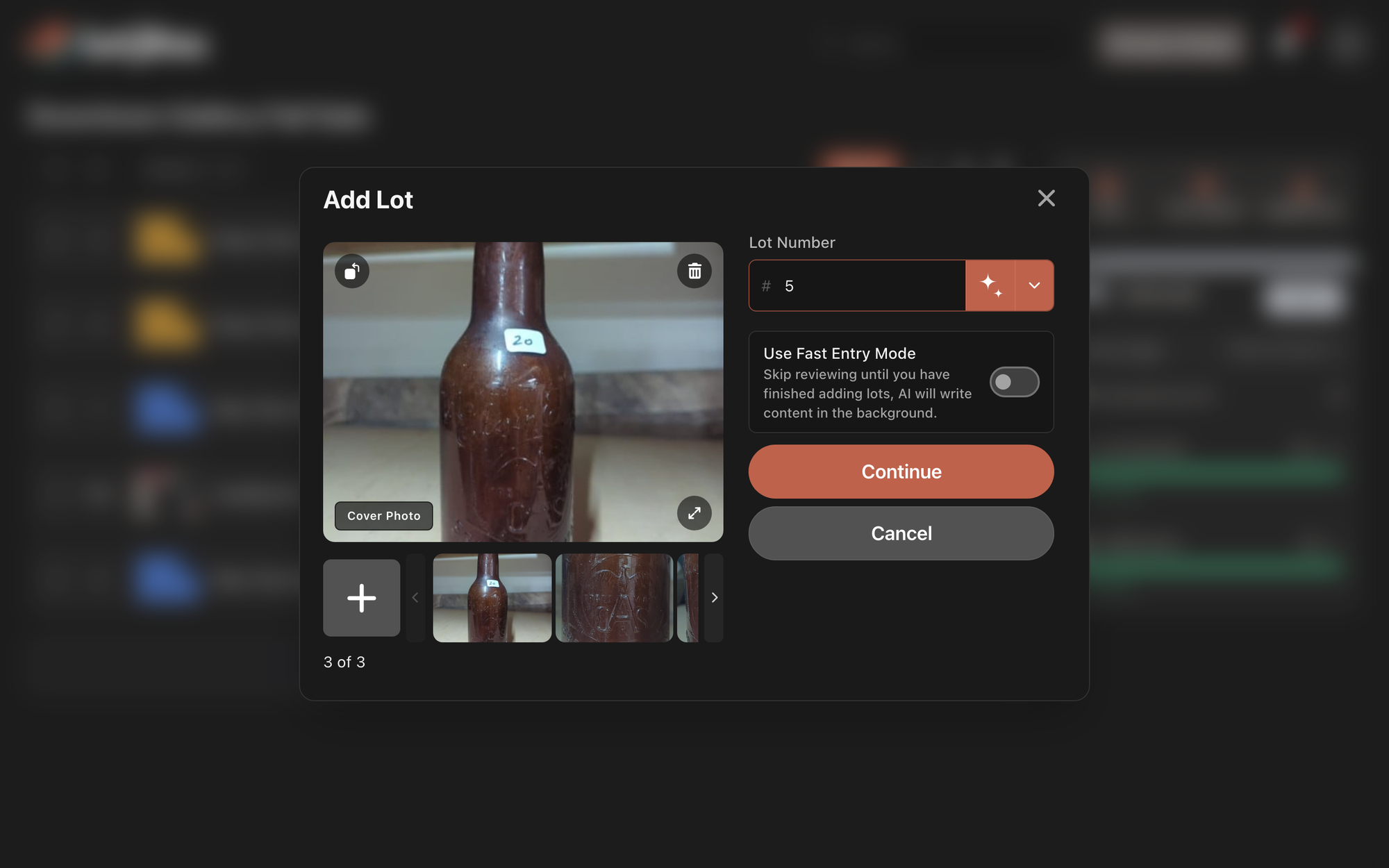
- In Add Photos, click anywhere in the box or drag your photos onto it.
- Check the Lot Number. LotJitsu fills it in for you.
- Click Continue. LotJitsu fills in the Fields from your photos.
- Check the Fields, then click Confirm Details.
- On Your first lot is in!, click Another Lot for the next one, or Finished to return to the catalog.
More: Add a lot on your computer.
3. Review what LotJitsu wrote
Click a lot to open it. Read the text and correct anything the photos could not show, such as working order or exact age. Your edits save as you type. See Review the text LotJitsu writes.
4. Export the catalog
- Click Export under the last lot.
- The first step shows Overall Health and lists anything to fix under Resolve Issues. Fix any critical issue, then click Continue.
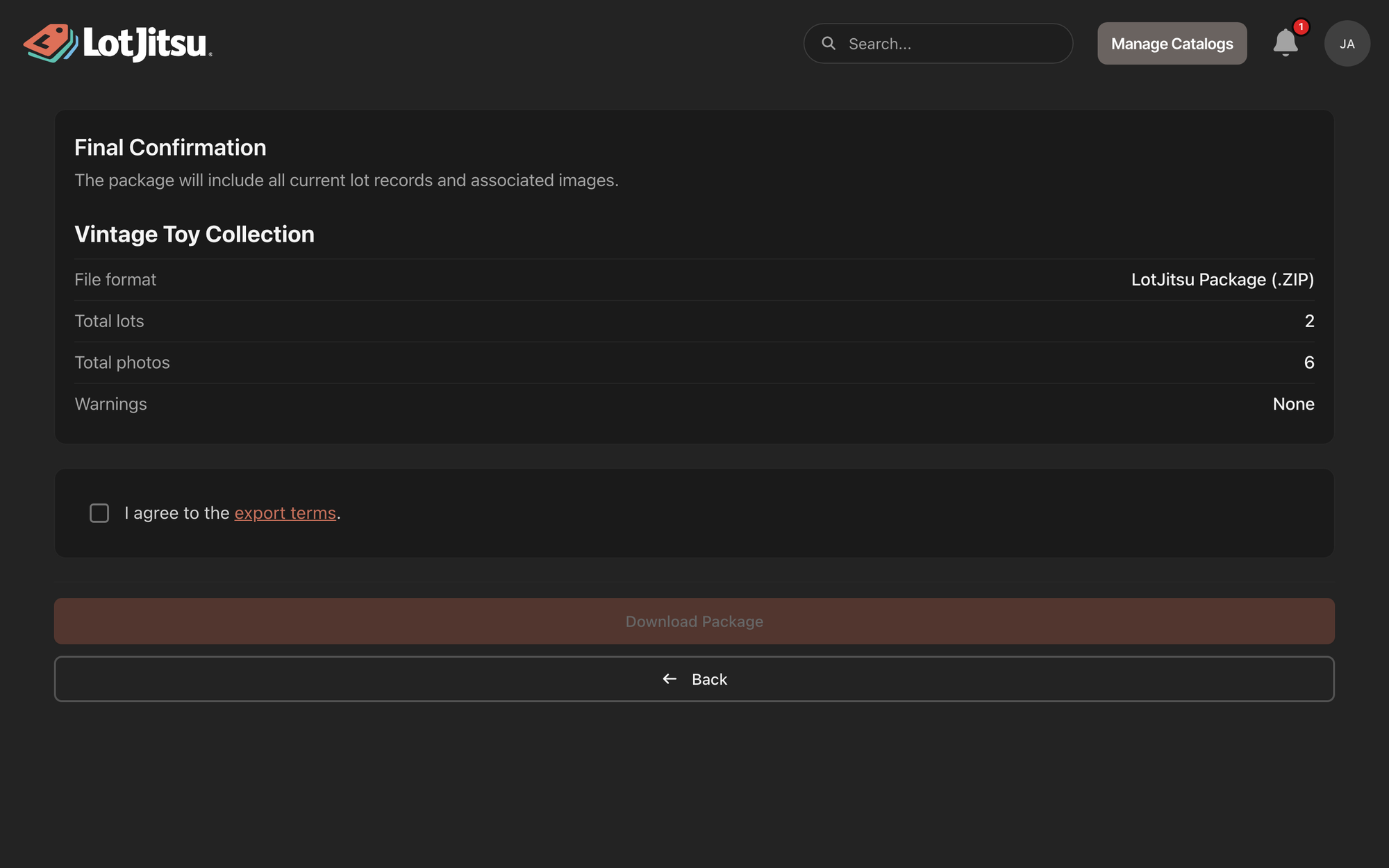
- On Final Confirmation, tick the box to agree to the export terms and click Download Package.
- When Export Complete appears, click Download ZIP.
More: Export a catalog on your computer.
5. Upload to your platform
Upload the .zip to your platform yourself. LotJitsu does not connect to your platform. See Upload your package to your auction platform.
Good to know
- The Quick Start Guide on the left follows these same steps, and the button you need next glows green.
- You can leave the page while the package builds. Past packages stay in History. See Find and download a previous export on your computer.

