

The Account Usage indicator shows your plan and how much of it you have used this month: exported lots, collaborators and the photo limit per lot.
Using a computer? See Check your usage on your computer (Monthly Usage).
Steps
- Tap your picture at the top right to open the account panel.
- Tap Account Usage.
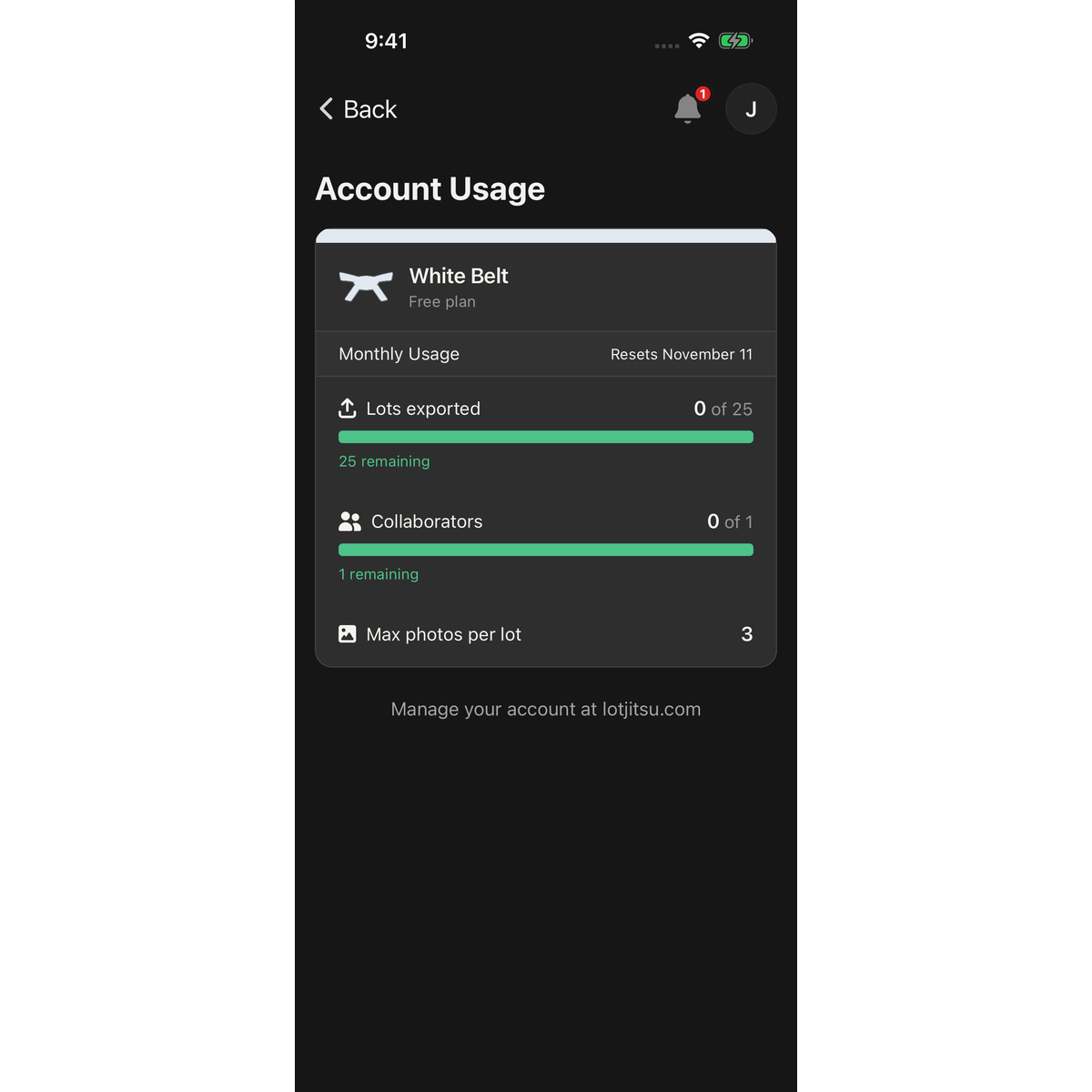
What you see
- Your belt, for example Yellow Belt, with Free plan under it on White Belt or Your current plan on a paid plan.
- Monthly Usage and when your allowance resets: Resets today, Resets in and a number of days (within a week), or Resets and a date.
- Lots exported: how many lots you have exported this period out of your allowance, for example 12 of 150, with the number remaining under it. When none are left it reads No exports remaining until the reset.
- Collaborators: how many people you share with, out of your limit. At the limit it reads Limit reached.
- Max photos per lot: the most photos one lot can hold on your plan.
The bars show what is left, so they empty as you use your allowance and turn red near the end.
Change your plan
You cannot buy or change a plan in the app. Plans are managed on lotjitsu.com:
- On iPhone, tap Visit LotJitsu.com under the card. It opens lotjitsu.com in your browser, where you may need to log in.
- On Android, the screen says Manage your account at lotjitsu.com. Open your browser and go to lotjitsu.com/pricing.
See Upgrade your plan.
Good to know
- Exporting is the only thing that uses your allowance. See Your monthly export allowance.
- When you have used 80% of your allowance, you get an Alert under the bell: Close to your monthly export limit. At 100% the Alert is Monthly export limit reached. See Alerts and notifications in the app.
- Account Usage needs a connection to load. With no connection, or if it cannot load, it reads No usage limits apply to your account right now. That does not mean you have no limits. Connect and open it again. [[OWNER: live copy "No usage limits apply to your account right now." shows offline and on a load failure; reword?]]
- Reset dates use the timezone in your settings, or your phone's timezone if none is set.
- On iPhone the Visit LotJitsu.com button may be replaced by the plain line Manage your account at lotjitsu.com. Then go to lotjitsu.com/pricing in your browser.

