

You can move to a higher belt when you need more exported lots, photos per lot or collaborators. An upgrade starts at once, and you pay only the difference for the rest of your current billing period.
Before you start
- This article is for accounts already on a paid plan. On White Belt, see Sign up on a paid plan.
- If you have a downgrade scheduled, cancel it first. See Cancel a scheduled downgrade.
Steps
- Log in on lotjitsu.com and go to lotjitsu.com/pricing. You can also click My Plan in your account menu. Your current plan's column reads Your Plan.
- Click Upgrade under the belt you want. A window headed Upgrade to and the belt's name opens.
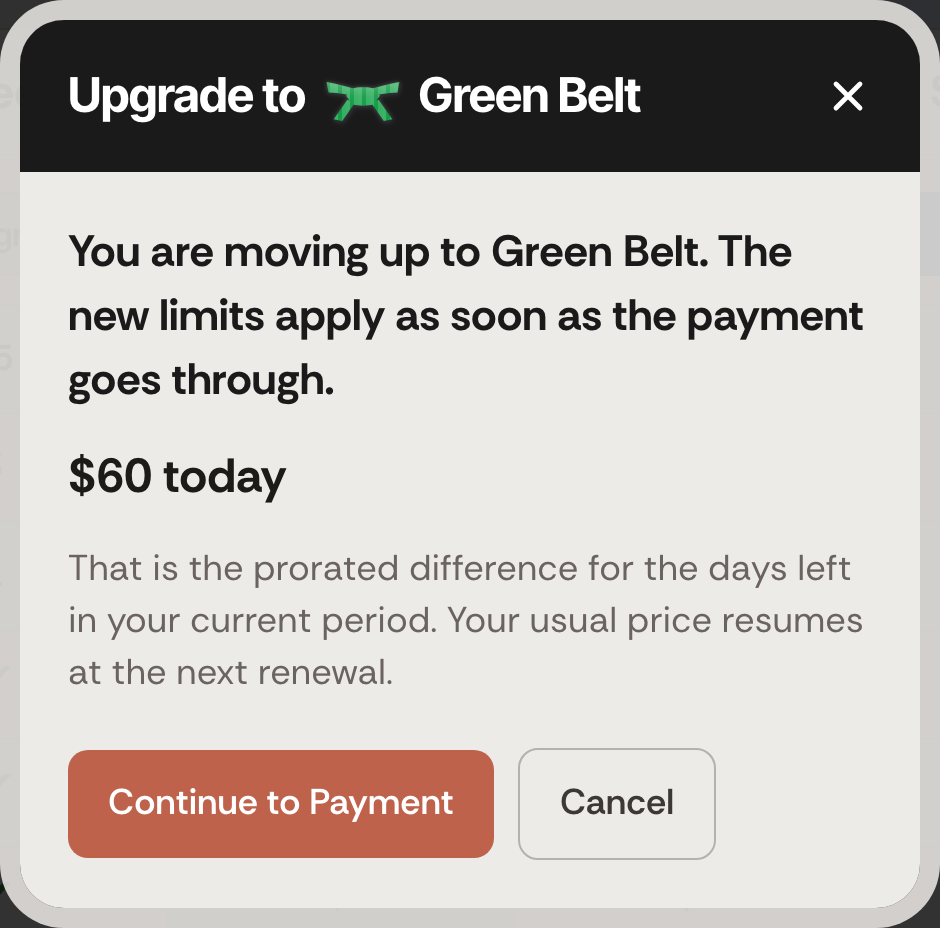
Read the amount due today and click Continue to Payment. Nothing is charged yet.
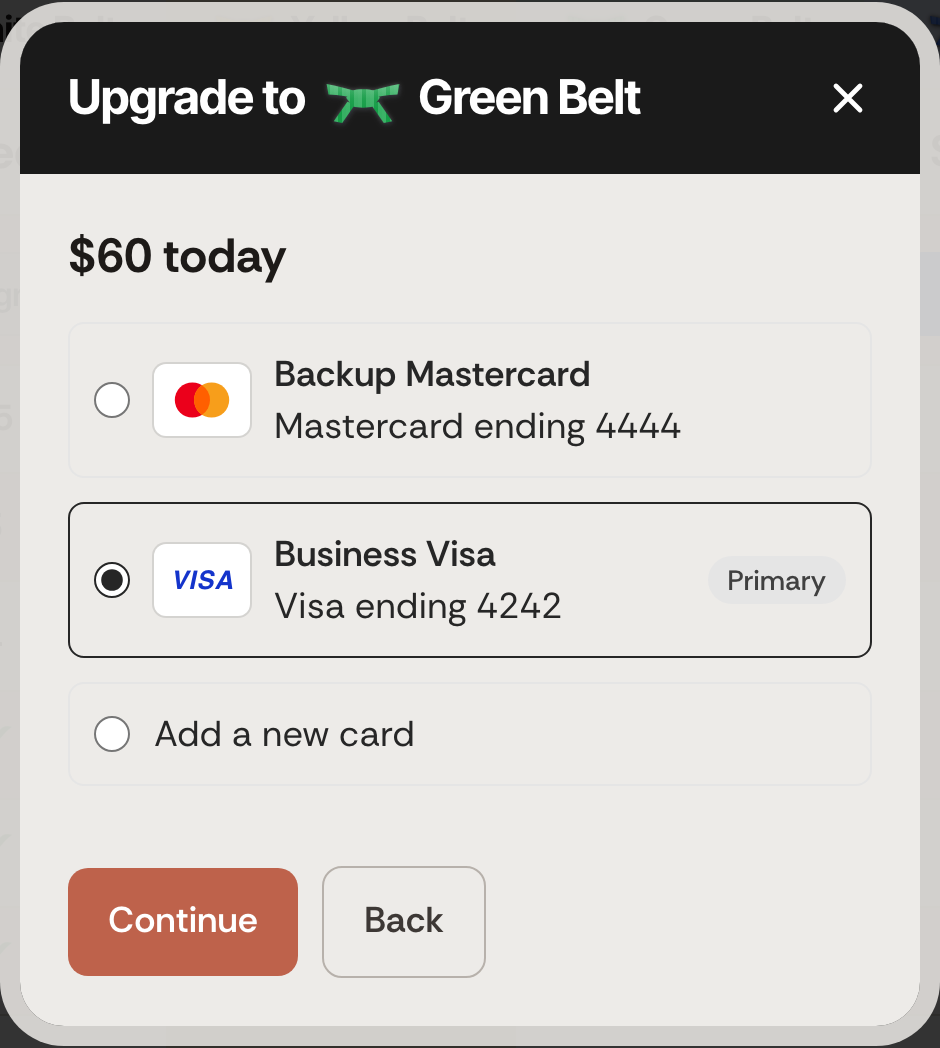
- Choose the card to pay with. Your Primary card is selected for you. To use a card you have not saved, choose Add a new card, enter it and give it a name in Name this card.
- Click Continue.
- Check the review line. It names the card and the amount, in the form Visa ending 4242 will be charged (amount) today.
- Click Pay followed by the amount. The button reads Authorizing… while it works.
- The window reads Upgrade Complete and You are on Green Belt. with the amount charged. Click Close.
What you pay
- Today: the prorated difference for the days left in your current period. The window says so: That is the prorated difference for the days left in your current period. Your usual price resumes at the next renewal.
- From your next renewal: the new belt's full price. Your renewal date does not change.
- An upgrade keeps your billing period. A monthly plan stays monthly and a yearly plan stays yearly. See Monthly or yearly billing.
Good to know
- The new limits apply as soon as the payment goes through. Lots you already exported this period still count against the new, larger allowance. See Your monthly export allowance.
- Sometimes the window shows Upgrade Processing and Your payment went through. Your plan will change to the new belt shortly. Click Close and reload the page in a minute.
- If the payment fails, the window shows Payment Failed and Your card was not charged and your plan has not changed. See When a payment fails.
- If you see Cancel your scheduled downgrade before upgrading., a downgrade is still scheduled. Cancel it first, then upgrade.
- The card you pay an upgrade with becomes your Primary card, and your renewals will charge. See Manage your payment methods.
- Black Belt is the highest plan. If you need more capacity than Black Belt allows, please contact us. See Contact support: Ask Support and Support Chat.

