

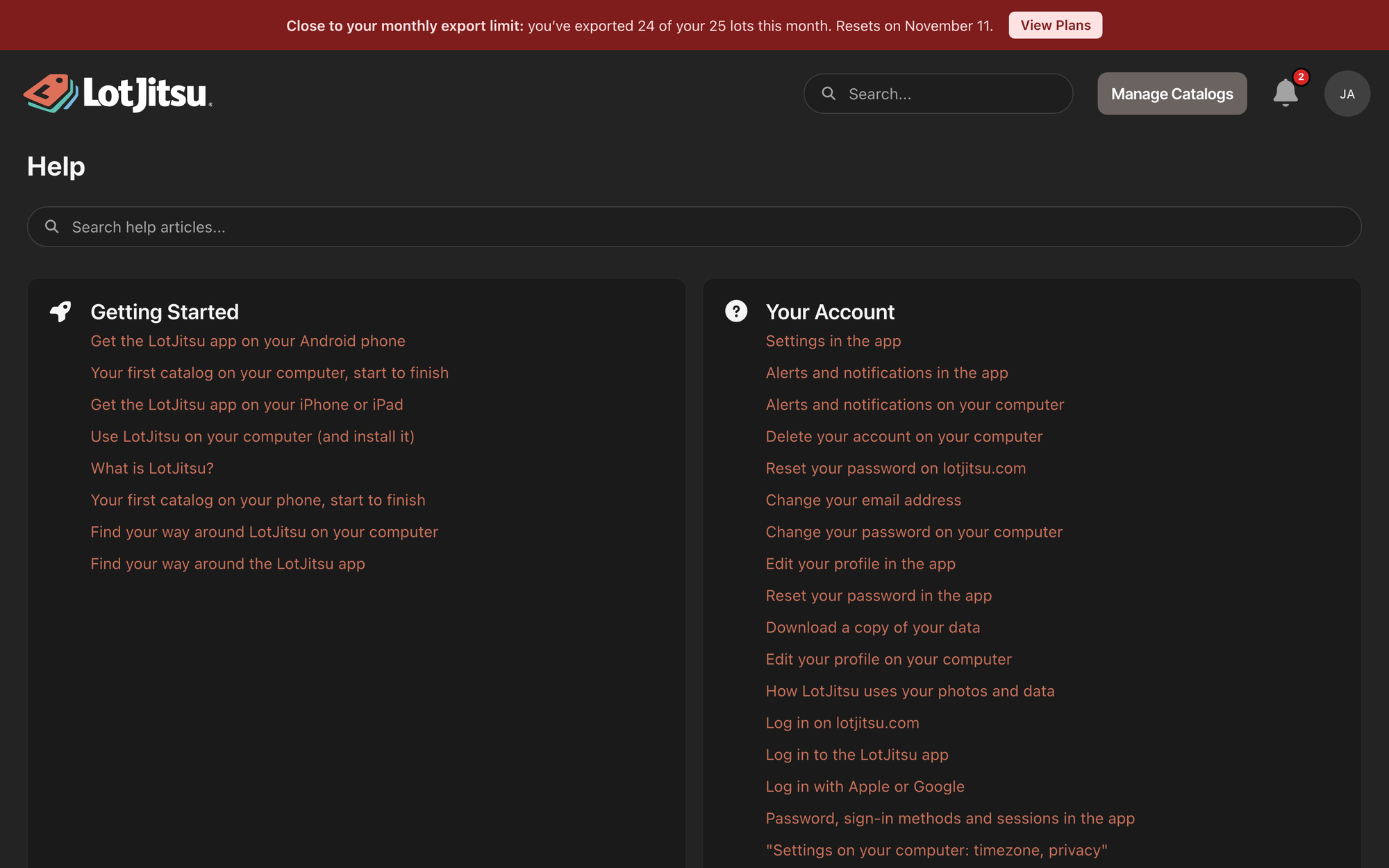
LotJitsu on your computer has a Help page with every help article, and a Support card for contacting our support team or sending a suggestion.
Using your phone? See Get help in the app.
Open Help
Either:
- Click your picture at the top right to open the user menu, then click Help.
- Or, on the Catalogs page or in any catalog, click Help on the Support card in the panel on the right.
Then search with Search help articles..., or click a topic and an article.
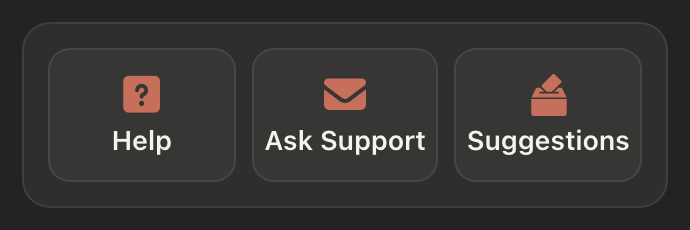
The Support card
The Support card sits at the top of the right-hand panel on the Catalogs page and on each catalog's page. It has three buttons:
- Help opens the Help page.
- Ask Support sends a message to our support team. When someone is available to chat, it reads Support Chat with a green dot instead, and opens a chat. See Contact support: Ask Support and Support Chat.
- Suggestions sends an idea to the LotJitsu team. See Send a suggestion.
Good to know
- If help cannot load, the page reads Help articles can't be loaded right now. Check your connection and reload the page.
- If a search finds nothing, it indicates No help articles found. Try fewer words or rephrase.

