

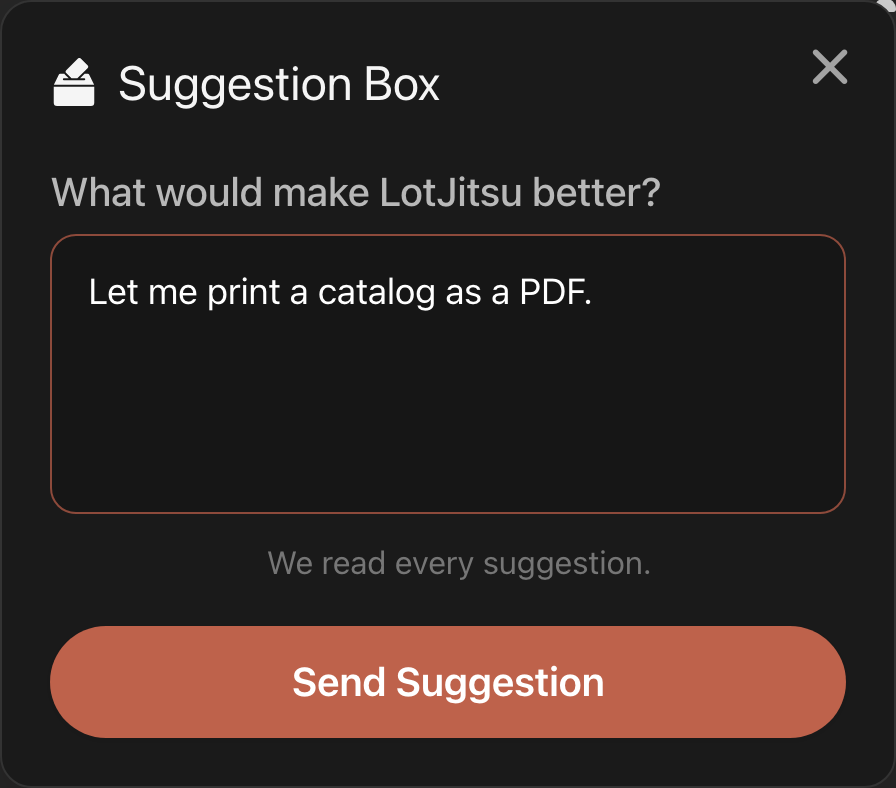
Have an idea that would make LotJitsu better? Send it to the team through the Suggestion Box. We read every suggestion.
Steps
- Open Suggestions:
- On your phone: tap your picture at the top right, tap Help, then tap Suggestions.
- On your computer: click Suggestions on the Support card, in the right-hand panel of the Catalogs page or any catalog.
- On lotjitsu.com: click Suggestions in the right-hand column of any help article.
- The Suggestion Box opens. Under What would make LotJitsu better?, describe your idea.
- On lotjitsu.com, if you are not logged in, fill in Email address.
- Click or tap Send Suggestion.
Good to know
- Suggestions are ideas for improvement. To report a problem or ask a question, use Ask Support so the support team can reply to you. See Contact support: Ask Support and Support Chat.
- If you send several in a short time, you may see You've sent several suggestions recently. Try again later.

