

LotJitsu turns photos of the items you are selling into a ready-to-upload catalog for your auction platform. You photograph each lot, LotJitsu writes the listing from your photos, and you download one package to upload to your platform yourself.
How your work is organized
- Folder: optional, holds catalogs. Use folders when you have enough catalogs to group them.
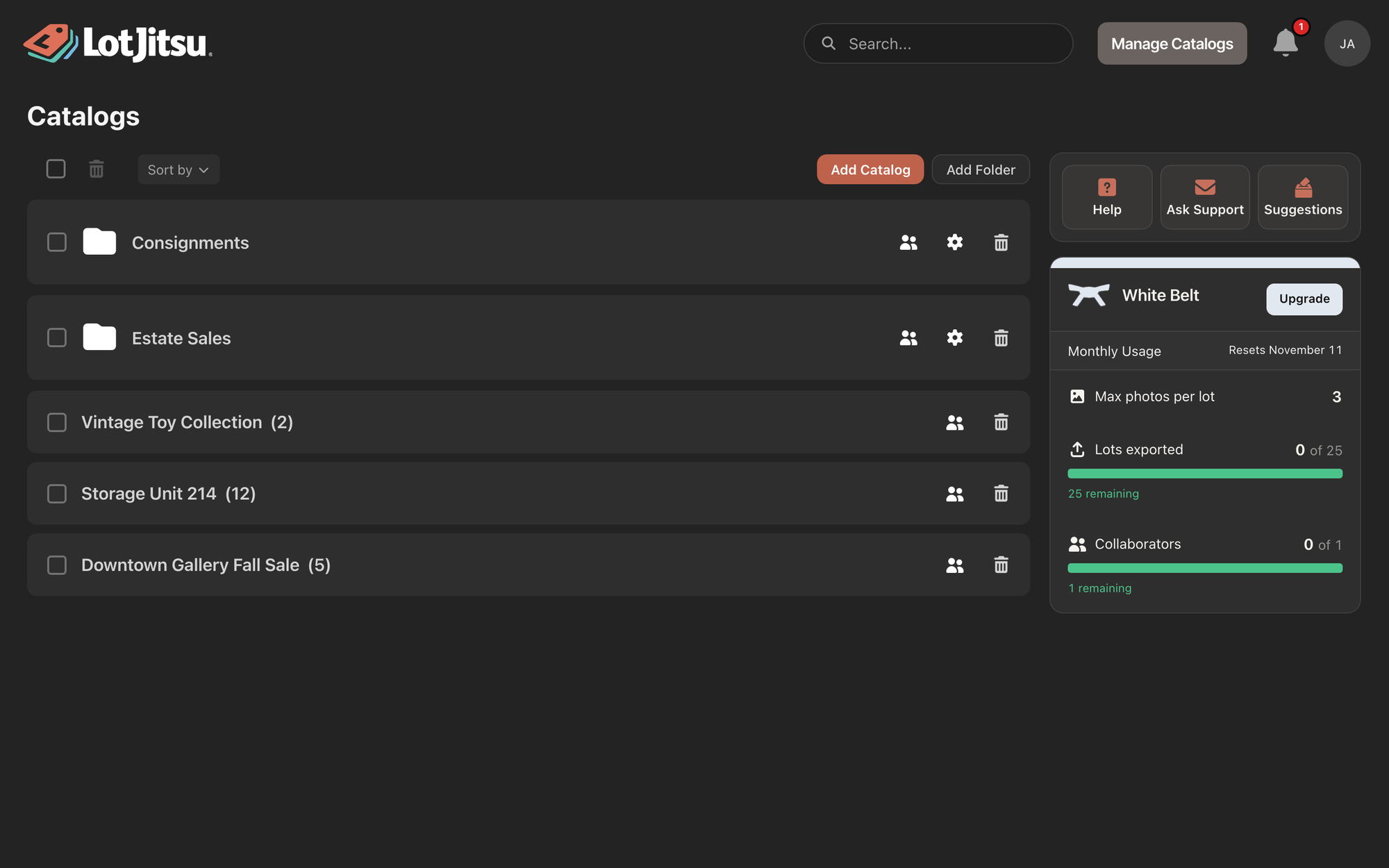
- Catalog: one sale for one platform. A catalog becomes one Export package.
- Lot: one item or group of items, with its photos, its Lot Number and its Fields (such as Title and Description).
The path from photo to package
- Create a catalog. Name it, choose its platform, and choose the Fields each lot collects.
- Add lots. Take photos on your phone, or add photos from your computer. LotJitsu fills in the Lot Number for you.
- Let LotJitsu write. For every Field marked Auto, LotJitsu writes the text from your photos. You can change any of it.
- Export. LotJitsu checks the catalog for problems (Overall Health), then builds the Export package: a .zip file with one data file and every photo, named the way your platform expects.
- Upload to your platform. You upload the package to your platform yourself. LotJitsu never logs in to, uploads to or connects with an auction platform.
Platforms
You choose one platform for each catalog. LotJitsu builds packages for:
- HiBid
- LiveAuctioneers
- Proxibid
- AuctionNinja
Where you use LotJitsu
| The LotJitsu app (iPhone, Android) | LotJitsu on your computer | |
|---|---|---|
| Photos come from | The camera or your photo library | Files on your computer |
| Without a connection | Keeps working; changes are sent when you reconnect | Needs a connection |
| Sign Up and Log In | Sign Up and Log In in the app | On lotjitsu.com |
One account works everywhere. What you add on your phone shows up on your computer, and the other way round.
Plans
Every account starts on White Belt, a free plan. No credit card is needed. Paid plans (Yellow, Green, Blue and Black Belt) raise your monthly limits.
Good to know
- You stay in control. Text LotJitsu writes lands in the same Fields you type into, and you can edit or replace it before you export.
- Read what LotJitsu writes before you export. A photo cannot show everything about an item. See Review the text LotJitsu writes.
- Ready to start? See Your first catalog on your phone or Your first catalog on your computer.

