

Forgotten your password? Ask for a reset link from the app, open it on the same phone, and choose a new password. You are logged in as soon as it is saved.
Using a computer? See Reset your password on lotjitsu.com.
Ask for the reset email
- Open the app. On the Log In screen, tap Reset Password at the foot of the screen.
- Enter the email address on your account in Email.
- Tap Send Password Reset Email.
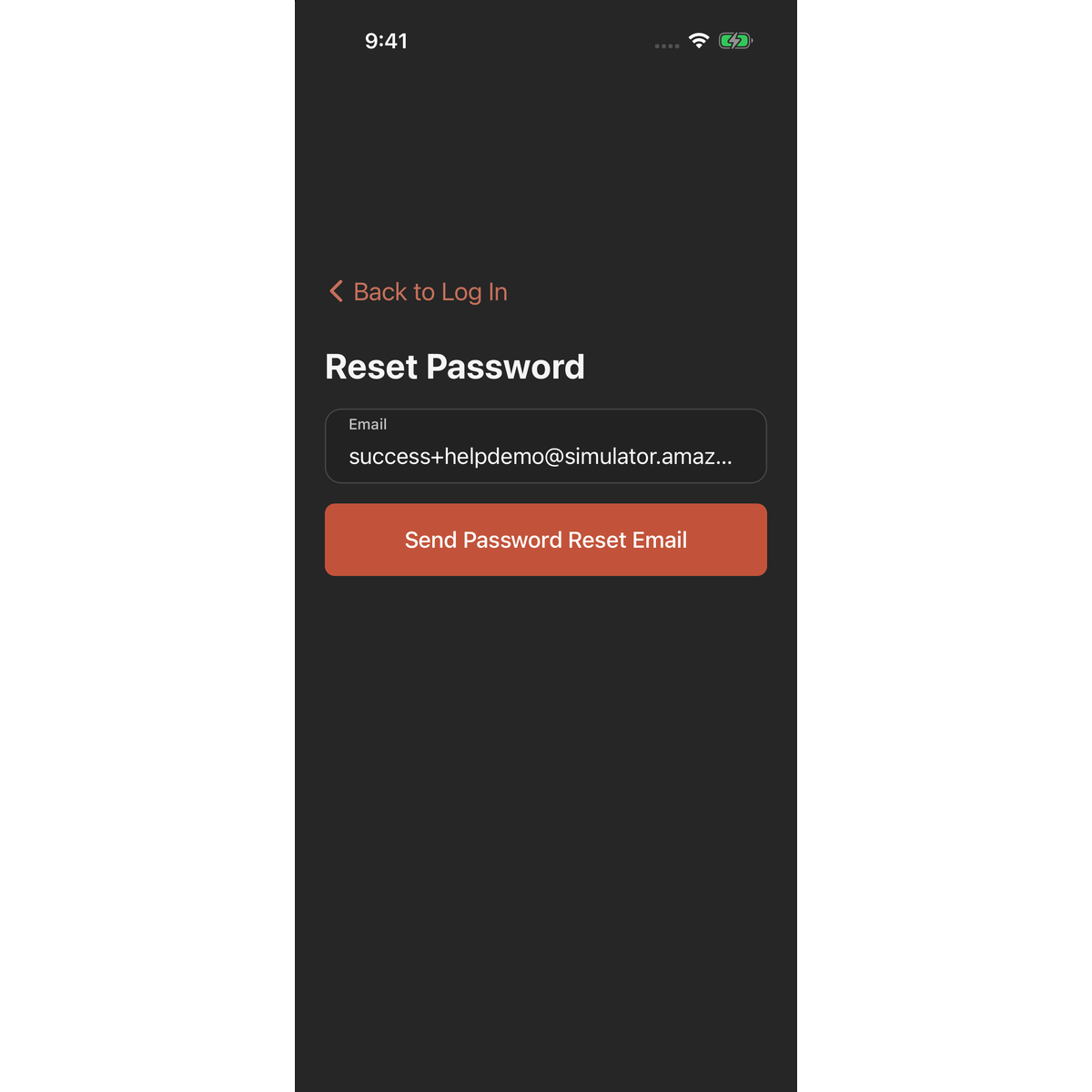
A green Email Sent banner appears: "Check your inbox and spam folder for the next steps in resetting your password." The banner shows whether or not the address has an account. If nothing arrives, check the address you typed.
Choose a new password
- On this phone, open the email with the subject "Reset your password" and tap Reset Password. The link works for 30 minutes.
- The LotJitsu app opens on Set a New Password.
- Enter your New password: 7 or more characters, with an uppercase letter, a lowercase letter and a number.
- Enter it again in Confirm new password.
- Tap Reset Password.
The app saves the password, logs you in and opens Catalogs.
Good to know
- Resetting logs you out on every other phone and browser. Log in there again with the new password.
- If you asked more than once, any of the links works, and using one makes the others stop working.
- "This password reset link has expired. Please request a new one." or "This password reset link is invalid or has already been used." means you need a new link. Tap Back to Log In and start again.
- Open the email on the phone that has the app. On a phone without the app, the link shows the Download the App page instead.
- Got a reset email you didn't ask for? Ignore it. Your password doesn't change unless someone opens the link and saves a new one.
- Know your password and just want a new one? Use Change Password on the Security page. See Password, sign-in methods and sessions in the app.

