

Create a free LotJitsu account on lotjitsu.com. Our starter plan, White Belt, is free plan and no credit card is needed.
Using the phone app? Check out: Create your account in the LotJitsu app.
Before you start
- Pick an email address you can open now. You will need to verify it, before log in.
- A phone number is required for security.
Steps
- Go to lotjitsu.com and click Log In at the top right.
- In the Log In window, click Sign Up.
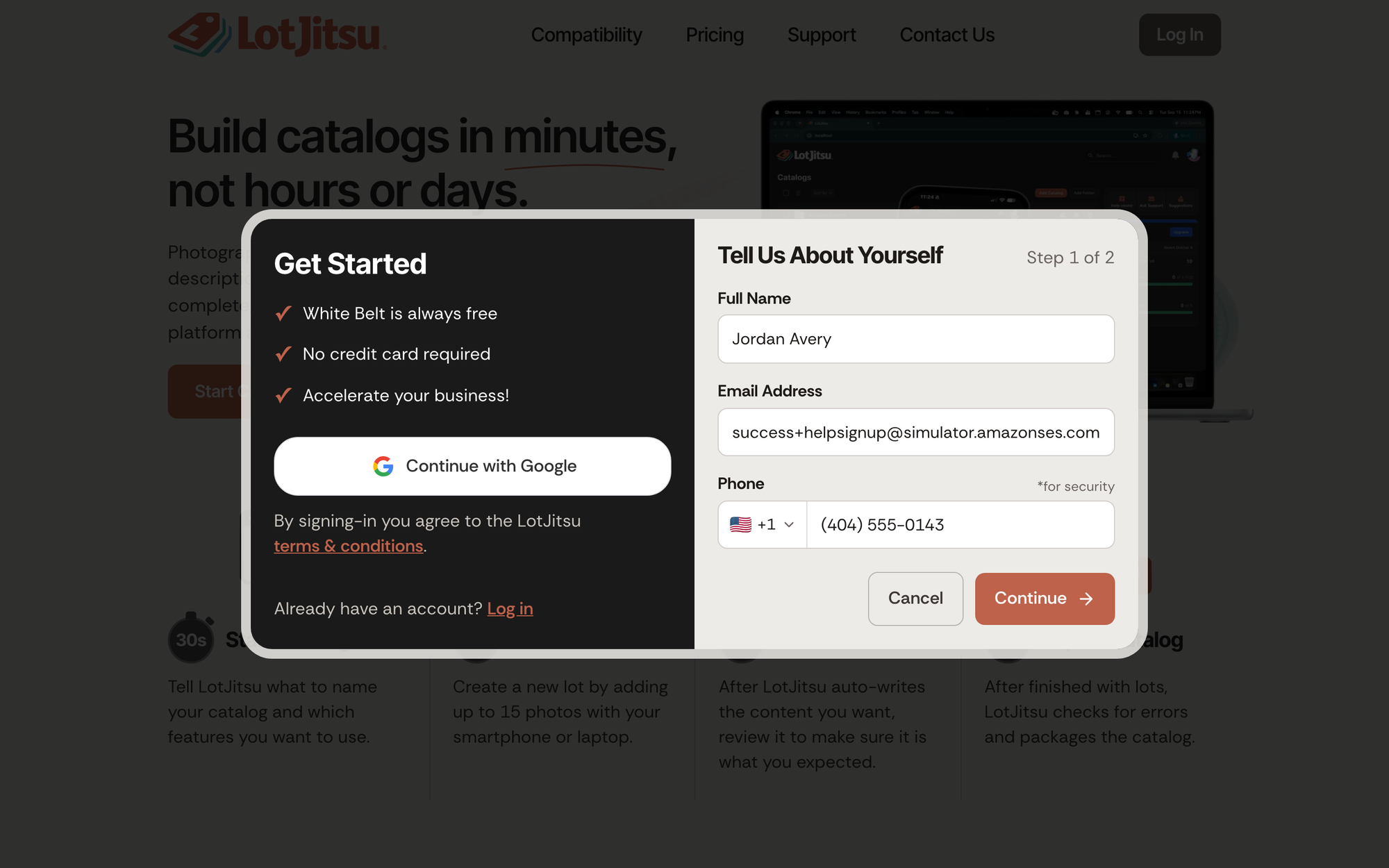
- Enter your Full Name and Email Address.
- Enter your Phone.
- Click Continue.
- Enter a Password and type it again in Retype Password.
- Read the Terms of Service in the box, then tick I agree to the LotJitsu Terms of Service. Create Account stays unavailable until you tick it.
- Click Create Account.
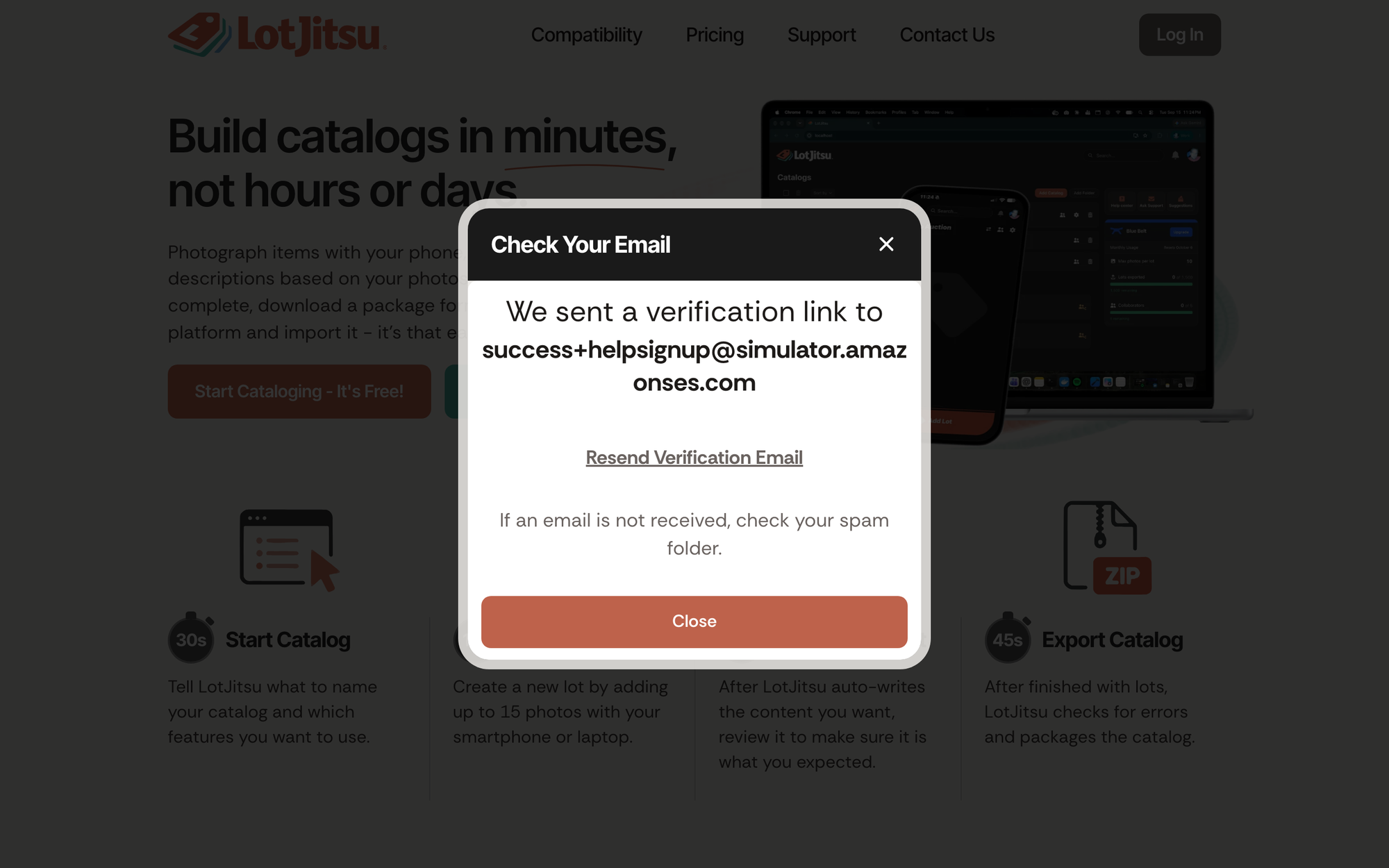
The window changes to Check Your Email and shows the address you entered. Open the email from LotJitsu and click Verify Email. This activates your account and logs you in. See Verify your email address.
The password rule
Your password needs 7 or more characters, with at least one uppercase letter, one lowercase letter and one number.
Good to know
- "An account with this email already exists" means that address is already registered. Click Log in in that message, or reset your password. See Reset your password on lotjitsu.com.
- "Names cannot contain web addresses or phone numbers." means the Full Name field holds a link or a number. Use your name only.
- No email? Click Resend Verification Email on the Check Your Email window, and check your spam folder.

