

Using a computer? See Sort, select and reorder lots on your computer.
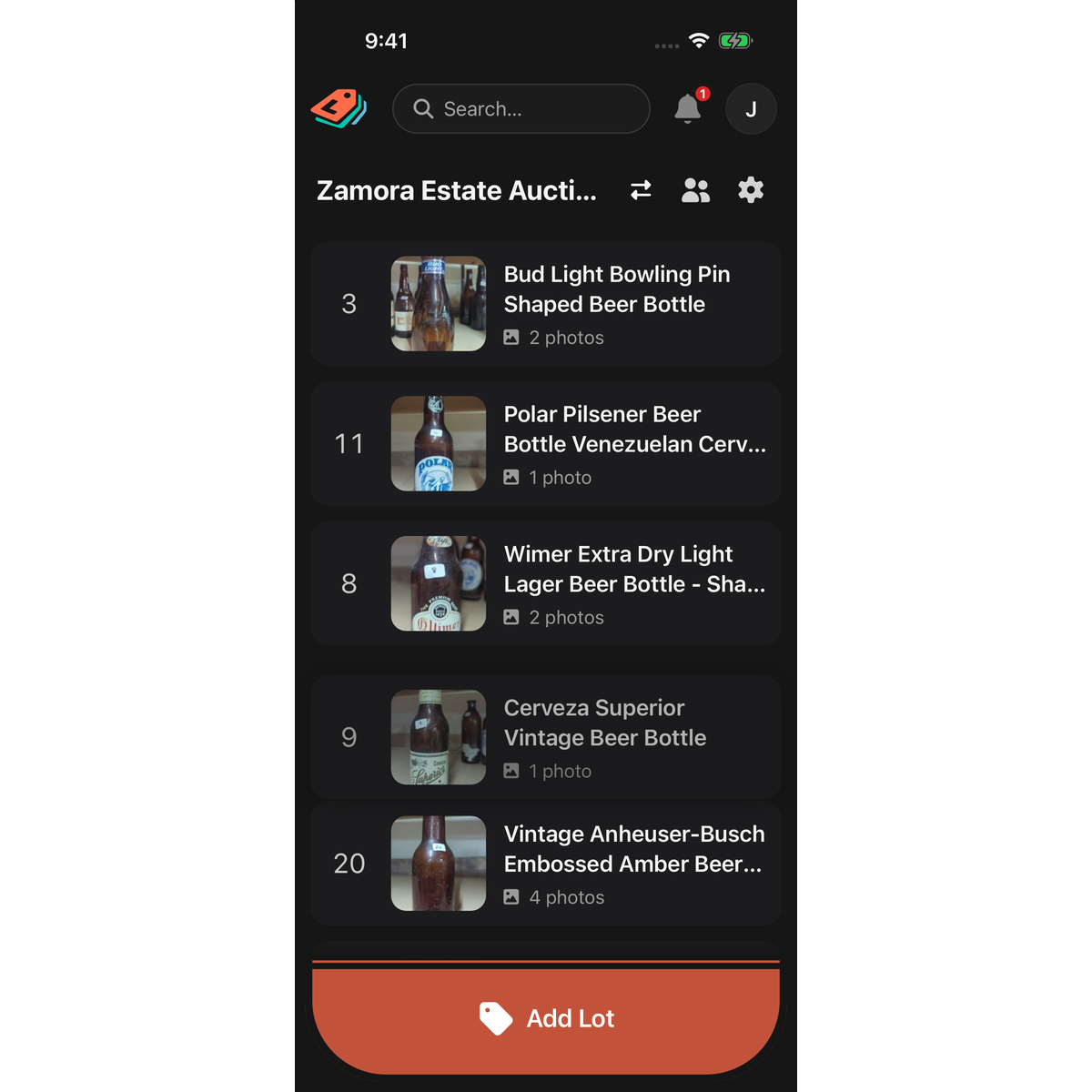
A catalog's lot list shows the newest lots first. You can drag lots into any order you like.
Move a lot
- Open the catalog.
- Touch and hold the lot's row until it lifts.
- Without letting go, drag it up or down. The list scrolls if you drag near the top or bottom.
- Let go where you want it. The row flashes in its new place.
Jump through a long list
In a catalog with more than 50 lots, a strip of lot numbers appears down the right edge. Tap a number to jump to it, or slide your finger along the strip to scroll quickly.
Good to know
- Your order is saved to your account. LotJitsu on your computer shows the same order, and sorting the list there (Sort by) changes the order here too.
- Moving a lot changes only its place in the list. It doesn't change its Lot Number.
- New lots appear at the top of the list.
- Reordering works with no connection. The new order is sent when you are back online.
- A lot that is still being processed after Fast Entry Mode can't be moved until it clears.
- With a screen reader, use the row's Move up and Move down actions.
- To delete a lot, swipe its row to the left.

