

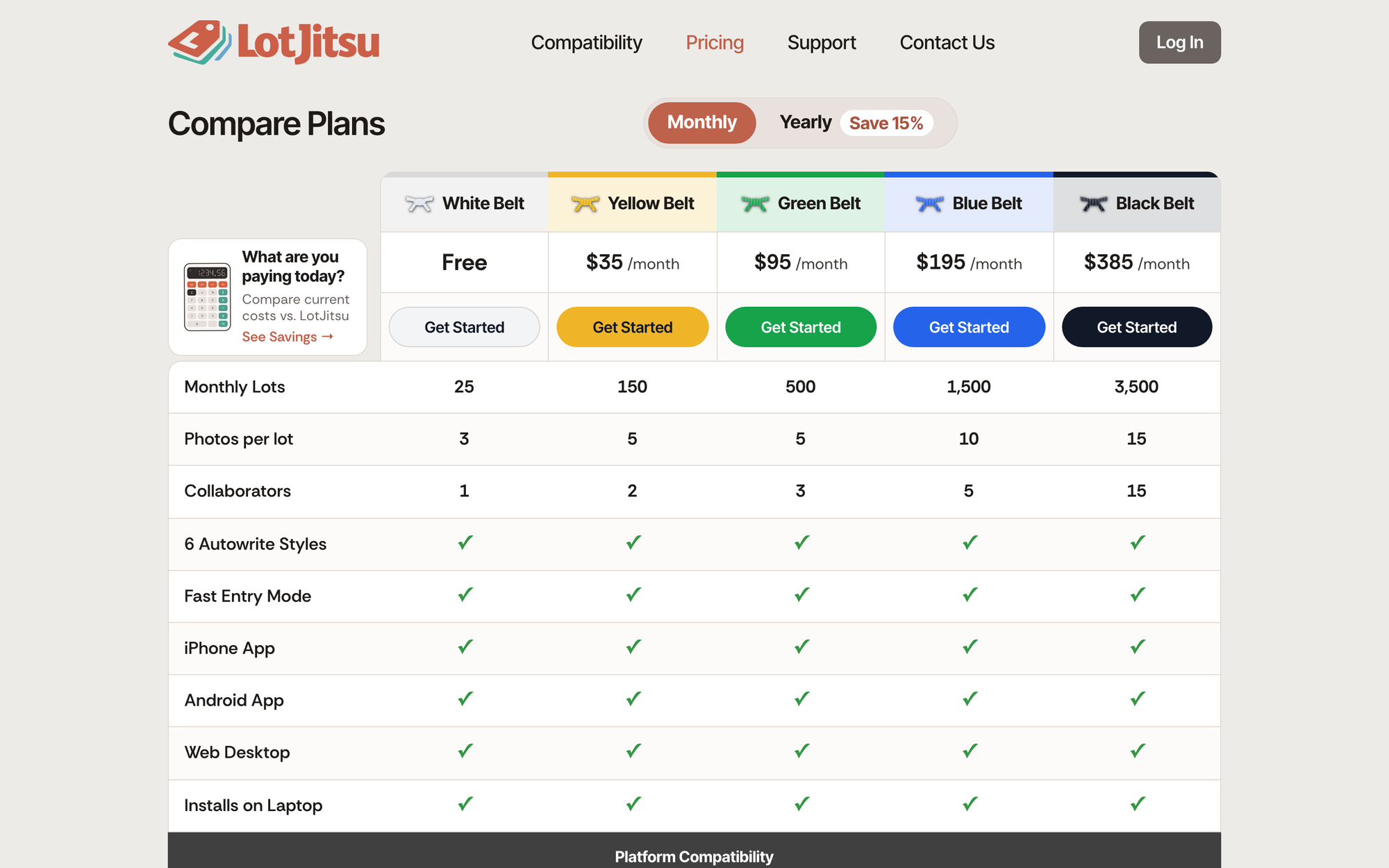
You can start on a paid plan from the Compare Plans page at lotjitsu.com/pricing, either as a new customer or from a White Belt account you already have. You pay by card, and nothing is charged until you confirm the amount.
Before you start
- Have a Visa, Mastercard, American Express or Discover card ready.
- Decide on Monthly or Yearly billing. See Monthly or yearly billing.
- Not sure which belt? See LotJitsu plans explained. White Belt is free and needs no card.
Steps: new to LotJitsu
Go to lotjitsu.com/pricing.
Choose Monthly or Yearly at the top of the page.
Click Get Started under the belt you want.
The Sign Up window opens. Its left side names the plan and price, for example Yellow Belt, with the line You can pay after we gather some details.
On Step 1 of 2, fill in Full Name, Email Address and Phone, then click Continue.
On Step 2 of 2, type a Password and type it again in Retype Password. Read the Terms of Service in the box, tick I agree to the LotJitsu Terms of Service, then click Next: Payment.
The Payment view opens. Enter your card details, and give the card a name in Name this card (for example "Business Visa").
Click Continue. Nothing is charged yet.
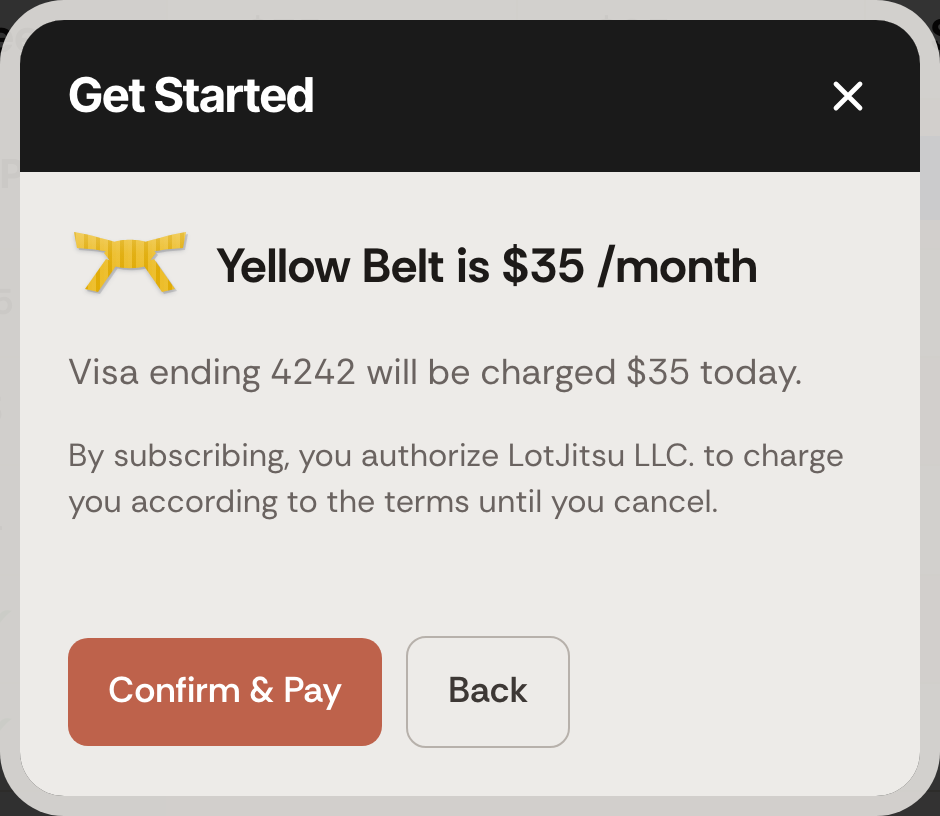
Check the review line, which names the card and the amount that will be charged today. To change the card, click Back.
Click Confirm & Pay. The button reads Paying… while the payment goes through.
When it finishes, the window reads You are on Yellow Belt. Your plan renews on followed by the date. Click Done.
Steps: you already have a White Belt account
- Log in on lotjitsu.com and go to lotjitsu.com/pricing. Your current plan's column reads Your Plan.
- Choose Monthly or Yearly.
- Click Get Started under the paid belt you want. A window headed Get Started opens straight at the card form.
- Follow steps 7 to 11 above.
Verify your email address
A new account can pay before its email address is verified, but you cannot log in or use anything else until you click the link in the verification email. After you sign up, the Compare Plans page shows a band: Your account is not verified yet. Click the link we sent to your address to finish setting it up. Open the email and click the link. If it did not arrive, click Resend Email in the band. See Verify your email address.
Good to know
- Your plan starts the moment the payment goes through, with that plan's limits. Your monthly export allowance starts again from that day. See Your monthly export allowance.
- The card you pay with is saved to your account as your Primary card, and the page gains a Payment Methods button. See Manage your payment methods.
- Payments are handled by Stripe. Your card details never reach LotJitsu's servers.
- Prices are in US dollars.
- If your bank asks you to approve the payment, follow its steps to finish.
- If the card is declined, the window says The payment was declined. or shows your bank's reason. Nothing is charged. Try another card. See When a payment fails.
- You cannot buy or change a plan in the LotJitsu app or in LotJitsu on your computer. Both send you to lotjitsu.com.

