

Create a free LotJitsu account from the app on your phone. Every new account starts on White Belt, a free plan.
Using a computer? See Create your account on lotjitsu.com.
Before you start
- Install the app. See Get the LotJitsu app on your iPhone or iPad or on your Android phone.
- Be online. The app can't create an account without a connection.
- Use an email address you can open on this phone.
Steps
- Open the app. On the Log In screen, tap Sign Up next to "Don't have an account?".
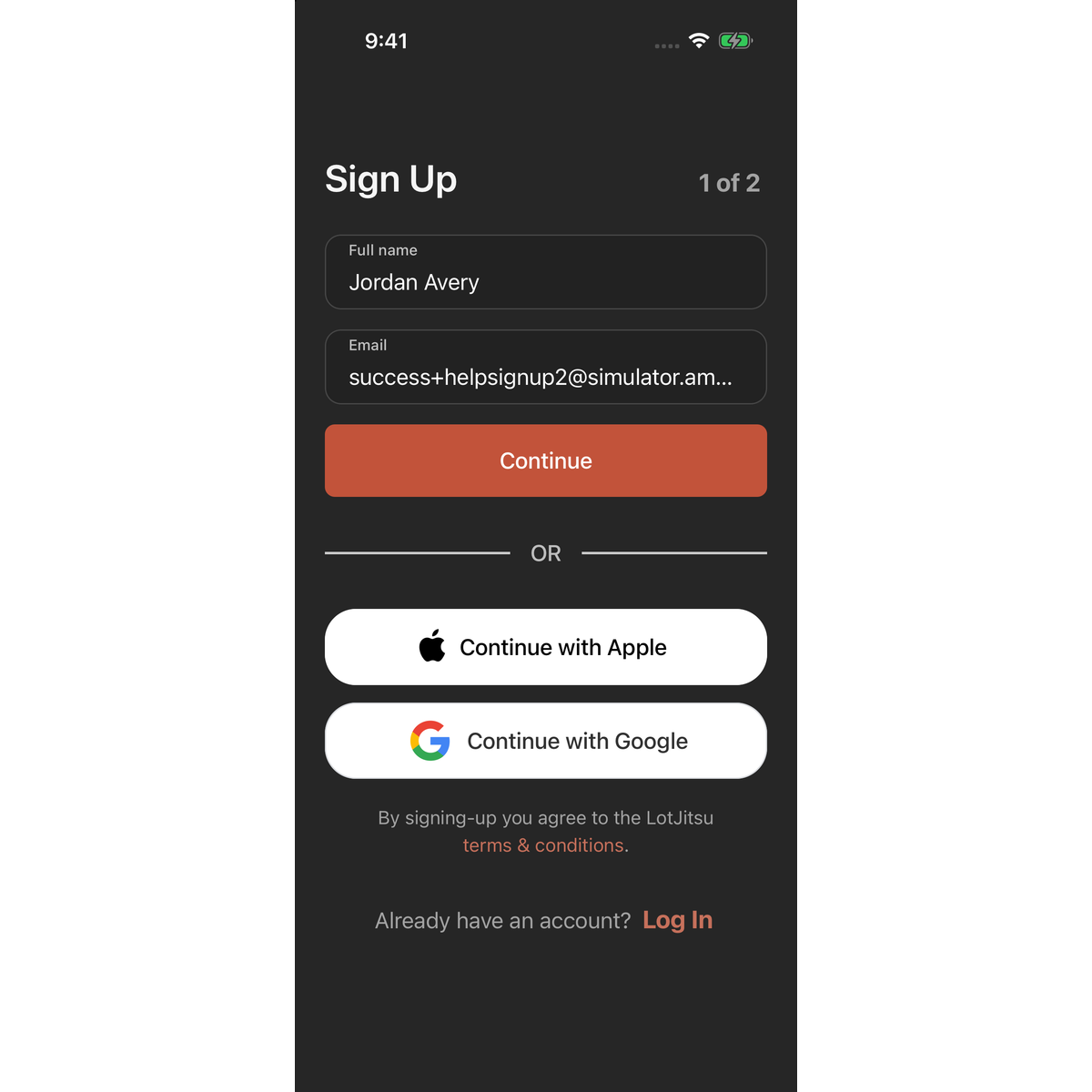
- On Sign Up, step 1 of 2, enter your Full name and Email.
- Tap Continue.
- On step 2 of 2, enter your Phone, a Password, and the same password again in Confirm password.
- Tap Create Account.
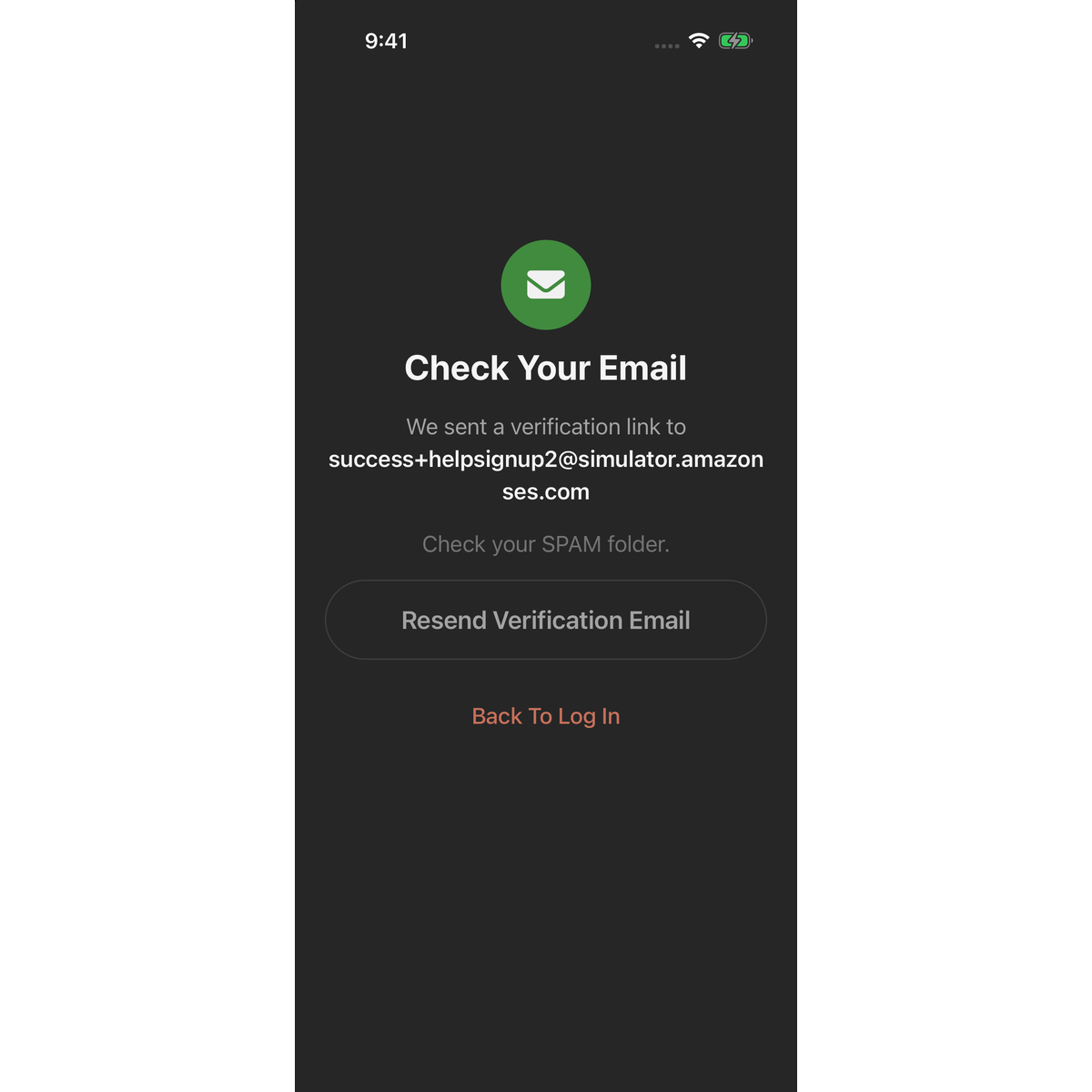
The screen changes to Check Your Email and shows the address you entered. Open the email on this phone and tap Verify Email. The app opens, verifies your address and logs you in on Catalogs. See Verify your email address.
Terms of Service
There is no checkbox in the app. The line under the buttons reads "By signing-up you agree to the LotJitsu terms & conditions." Tap terms & conditions to read them before you create your account.
The password rule
Your password needs 7 or more characters, with at least one uppercase letter, one lowercase letter and one number. If it misses a rule, the field shows "7+ characters - upper, lower, and number" after you tap Create Account.
Good to know
- To go back to step 1, tap Previous Step above the title.
- No email? Tap Resend Verification Email on Check Your Email, and check your spam folder.
- "An account with this email already exists." means the address is registered. Tap Log In next to "Already have an account?" and log in. Forgotten the password? Tap Reset Password at the foot of the Log In screen.
- Continue with Apple and Continue with Google appear on step 1 when those options are available on your phone. An account made this way skips email verification. See Log in with Apple or Google.

